Check coverage for your home, workplace and regular journey before deciding to replace your phone: Ofcom advises checking the places you use most, and its coverage predictions may differ from what you experience. If poor signal is mainly indoors, Wi-Fi Calling may help when your phone, provider and broadband Wi-Fi are compatible; for calls on a commute, compare the host networks along your route. Before buying another handset, confirm its calling support with your chosen provider and rule out a SIM fault or outage.
Who needs to check what?
Home workers with weak indoor signal
If calls fail inside but broadband Wi-Fi works reliably, check whether your provider supports Wi-Fi Calling on your exact phone. Compare local mobile coverage too: Wi-Fi Calling will not address weak signal when you leave Wi-Fi.
Regular commuters with dropped calls or unreliable data
Compare coverage at the places and along the journey you actually use. Ofcom advises checking frequently visited locations rather than relying on a prediction for home alone.
People replacing an older handset
Check the chosen provider’s support for 4G Calling, also called VoLTE, on the exact model. Three says some older 4G phones do not support 4G Calling, so a 4G label by itself is not enough to settle a voice-calling decision.
What should you check before choosing?
Start with the places where service fails, then decide whether the likely remedy is a different network, compatible calling features or an indoor-only solution.
| Priority | What to check | Your needs |
|---|
| Local coverage |
Compare the four UK host networks at home, work and points along your commute using Ofcom’s coverage checker. Check which host network an alternative mobile provider uses; treat coverage predictions as a guide, not a guarantee inside a building or vehicle. |
I need calls or data in the places I visit regularly, not just a promising nationwide coverage claim. |
| Indoor calling |
Confirm Wi-Fi Calling support for the exact handset and mobile provider, and check that broadband Wi-Fi works where mobile signal is weak. Confirm whether the calling and messaging functions you need are supported. |
Calls at home matter most to me, and I can connect to dependable Wi-Fi there. I still need a separate mobile-coverage check for journeys away from Wi-Fi. |
| Voice compatibility |
Check the provider’s supported-device information for the exact model and variant, including SIM and settings requirements. Three says some older 4G devices lack 4G Calling; O2 specifies an R15 SIM and compatible device for its 4G and 5G Calling. |
If I replace an older phone, I want to know that voice calls will work on my chosen provider, not merely that the phone has 4G or 5G. |
| Cause of the fault |
Note whether failures happen in one place or wherever you go, check the provider’s service status and ask about testing the SIM in another unlocked phone. Ofcom says a problem that follows you everywhere could involve the handset. |
Before buying a replacement, I want to distinguish poor local coverage from a problem with my phone, SIM or current service. |
| Indoor repeater |
Establish whether the intended network has a usable outdoor signal at the property. Check the device against Ofcom’s technical requirements before considering installation; Ofcom says repeaters that do not meet those requirements remain illegal. |
My difficulty is indoors, and I need to know whether there is an existing outdoor signal to bring inside. |
Mistakes that can leave the problem unresolved
-
Choosing a network from nationwide claims alone
Reception can differ between your home, workplace and journey. Ofcom cautions that a coverage prediction may not match the experience at a particular location.
Check each regular location for the networks you are considering, then test service in those places where possible before committing to a switch.
-
Assuming every 4G or 5G phone can make calls on your provider
Radio support alone does not establish provider-specific voice compatibility. Three says some older 4G devices do not support 4G Calling, while O2 specifies both a compatible device and an R15 SIM for its 4G and 5G Calling.
Check the exact handset model and variant against your intended provider’s calling requirements, including the SIM and settings.
-
Buying a repeater where there is no usable outdoor signal
Ofcom says indoor repeaters work best when there is a good outdoor signal to bring inside; one cannot replace coverage that is absent outdoors. Ofcom also says repeaters that fail its technical requirements remain illegal.
Check outdoor coverage and consider compatible Wi-Fi Calling first. If a repeater still meets your needs, check the proposed device against Ofcom’s requirements.
-
Replacing the phone before checking the fault
A replacement may leave the issue unresolved if the cause is a SIM problem, an outage or coverage at a particular location. Ofcom notes that a fault occurring wherever you go could involve the handset.
Check service status, record where failures occur and ask your provider whether testing your SIM in another unlocked device would help identify the cause.
Network providers to compare
Ofcom’s mobile coverage checker compares the four UK host networks. A provider that uses one of those networks may still have its own handset and calling-feature requirements.
EE
A UK host network to assess at your regular locations.
- EE says customers can use Wi-Fi Calling with a compatible phone and a UK Wi-Fi connection.
- Confirm support for your exact handset and check mobile coverage where you will use it away from Wi-Fi.
O2
A UK host network with device-specific calling requirements to consider alongside local coverage.
- O2 provides guidance for enabling Wi-Fi, 4G and 5G Calling on supported devices.
- O2 specifies an R15 SIM and compatible device for 4G and 5G Calling; check the requirements for your exact phone.
Three
A UK host network whose local coverage and voice compatibility should be checked separately.
- Three explains its 4G Calling requirement for calls following its 3G switch-off.
- Three says some older 4G devices do not support 4G Calling; verify the exact model before choosing a Three-based service.
Vodafone
A UK host network to compare locally, particularly if indoor Wi-Fi Calling matters.
- Vodafone says its Wi-Fi Calling service requires a compatible device.
- Check support for the exact handset and where it was purchased rather than assuming Wi-Fi Calling works on every unlocked phone.
Handsets to consider on Joybuy
These are handset options for someone considering a replacement phone. None of these models, by itself, establishes better reception at your home or along your commute; check local coverage and confirm calling support with your intended provider before choosing.
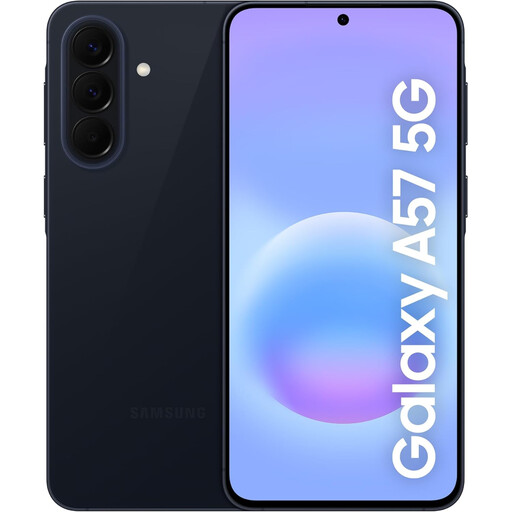 No image available
Samsung Galaxy A57 5G 256GB Awesome Navy
If you are replacing a phone because calls fail at home, confirm this exact model’s 4G Calling and Wi-Fi Calling support with your chosen provider, including any purchase-channel conditions. Check coverage at the places where you use it.
View on Joybuy
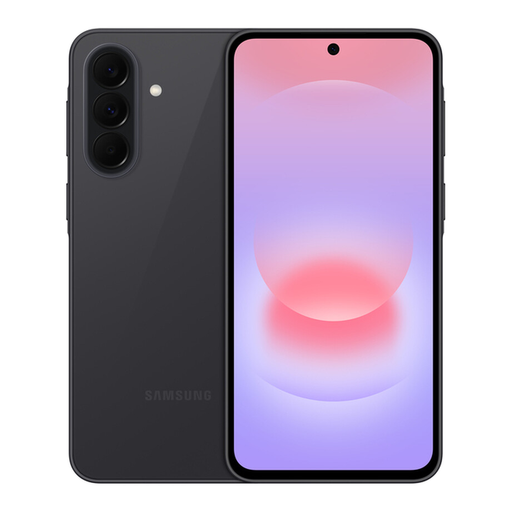 No image available
Samsung Galaxy A37 5G Graphite
For a replacement intended to keep calls working on your chosen network, confirm this exact variant’s 4G Calling and Wi-Fi Calling support with the provider. Confirm the supplied RAM and storage configuration before ordering.
View on Joybuy
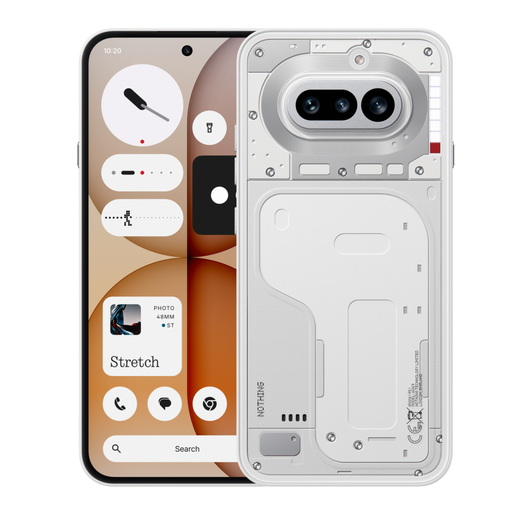 No image available
Nothing Phone (4a) 8+128GB White
If you need dependable calls indoors, check whether your chosen provider supports 4G Calling and Wi-Fi Calling on this exact model. A general claim of UK-carrier compatibility does not settle support for those calling features.
View on Joybuy
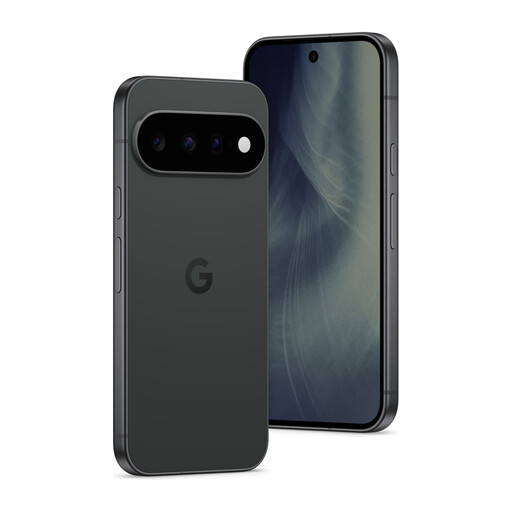 No image available
Google Pixel 11 5G 12GB RAM 512GB Obsidian
If you plan to use this phone with your chosen mobile provider, confirm 4G Calling and Wi-Fi Calling support for the exact model and SIM variant. The stated 5G capability does not establish reception at home, work or on your commute.
View on Joybuy
 No image available
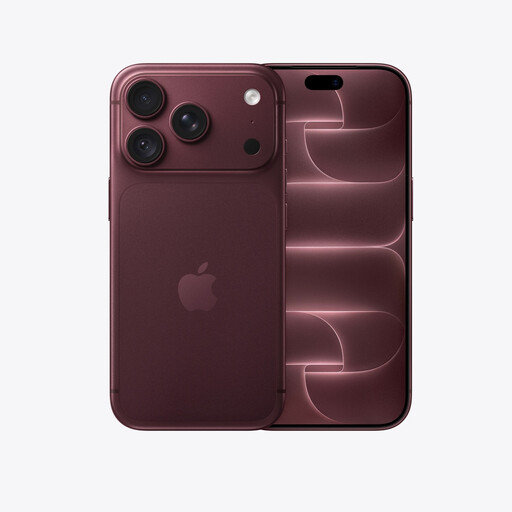
iPhone 18 Pro 2TB Burgundy
For calls on your intended network, check 4G Calling and Wi-Fi Calling support for this exact phone and SIM variant. If battery endurance affects your commute decision, confirm the relevant battery-life specification before relying on it.
View on Joybuy
Frequently asked questions
How can I tell whether poor service is caused by coverage or my phone?
Start by noting where and when the problem occurs. For a problem confined to one place, check Ofcom’s coverage prediction there; if it happens wherever you go, Ofcom says the handset could be involved. Check your provider’s service status and ask whether testing your SIM in another unlocked device would help identify the fault.
Will a 5G phone fix weak signal at home?
Not necessarily: a phone’s 5G capability does not establish usable coverage inside your home. Check the network’s prediction for your postcode and bear in mind that conditions inside a building can differ. If the difficulty is indoors, ask whether your exact phone and provider support Wi-Fi Calling over your home connection.
What should I confirm before depending on Wi-Fi Calling?
Confirm that your provider supports Wi-Fi Calling on the exact handset and variant, that any required SIM and settings are in place, and that Wi-Fi works where you need to call. Check the provider’s requirements for calls and messages separately; support for ordinary Wi-Fi connectivity does not, by itself, confirm Wi-Fi Calling.
Can an indoor repeater help if I have no outdoor signal?
An indoor repeater needs an existing outdoor signal to bring inside; Ofcom says repeaters work best where that signal is good. Check outdoor reception for the intended network before considering one. Ofcom also says repeaters that do not meet its technical requirements remain illegal.
